
A Horde Survival - Action RPG:
I worked as Technical Director in this project.
I programmed the UI, save system, spawner, dialogue, skilltree and many other things.
Besides that I did the lighting, shaders and focused on performance.
To see further details, scroll down:
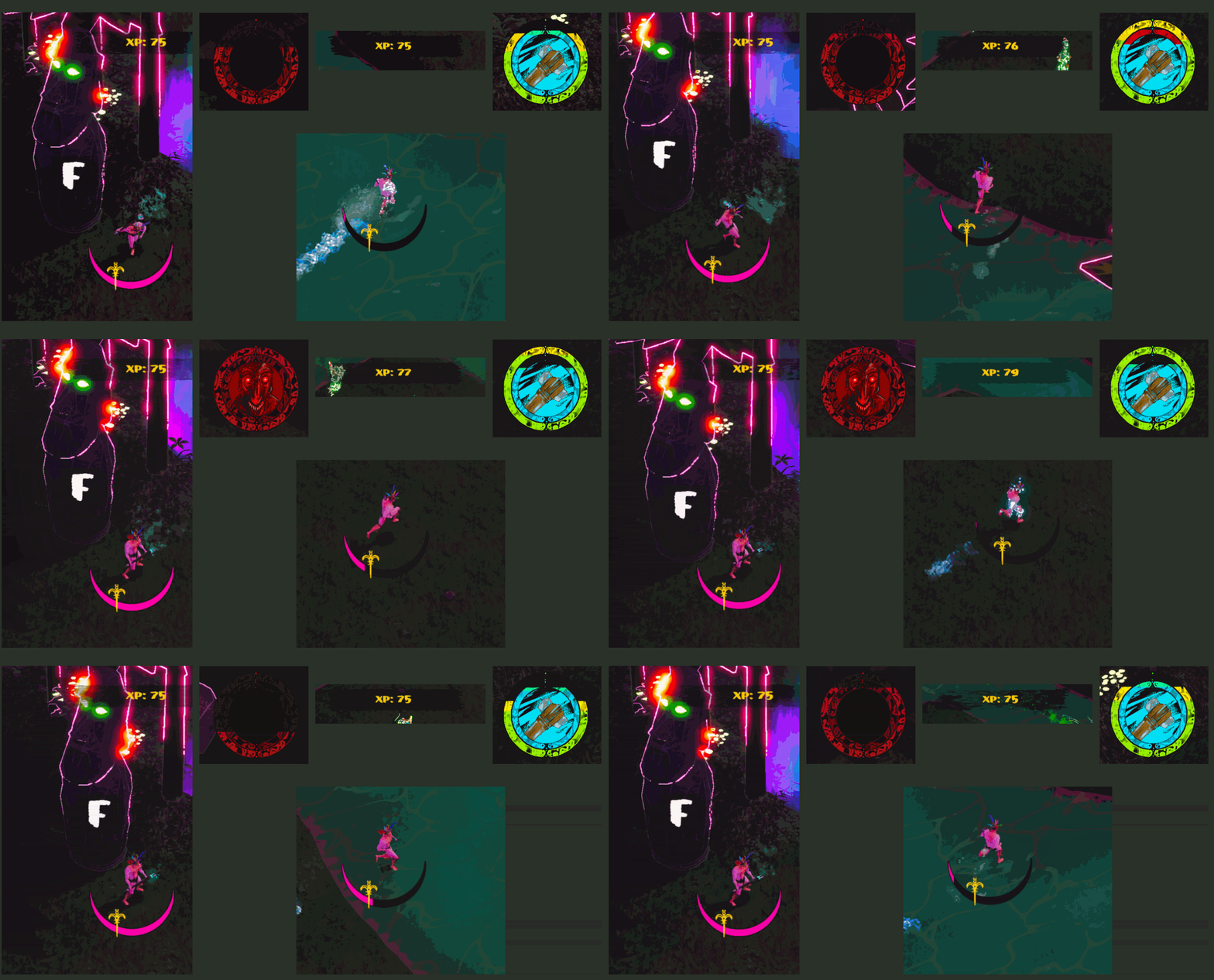
UI
For the UI I used an observer pattern with delegates, so that even if an UI element is missing or deactivated the game still works.Also: I was able to create scrolling UI textures in the pause menu that move althought the time scale is set to zero!
UI Screens
Start, Settings, Tipps, Pause Menu, Ingame, Dialogue, Level Selection, Skilltree
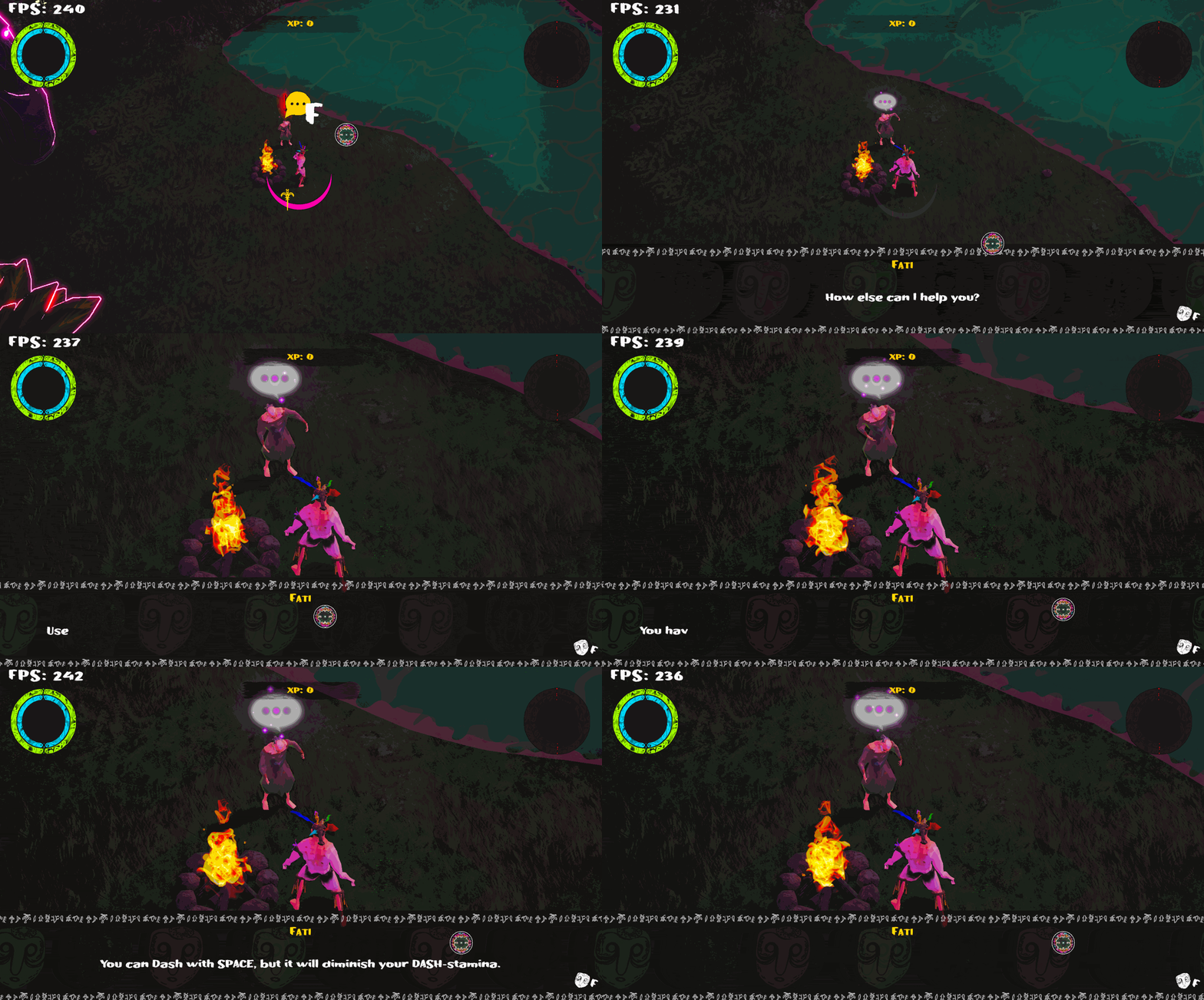
Dialogue System
I used the YarnSpinner Package for the dialogue system.
It allows the editors to use a more intuitive writing style for dialogues.
It also adds in localization.modifications made:
- hiding UI and zooming camera
- extended controlls with keyboard
- progressing ingame quests
Skilltree
We have about 100 variables the player can increase and a special ability to unlock.Designers can easily add new upgrades to unlock by simply greating a new upgrade Scriptable-Object that contains the variables that get upgraded and references to previous upgrades that are required .
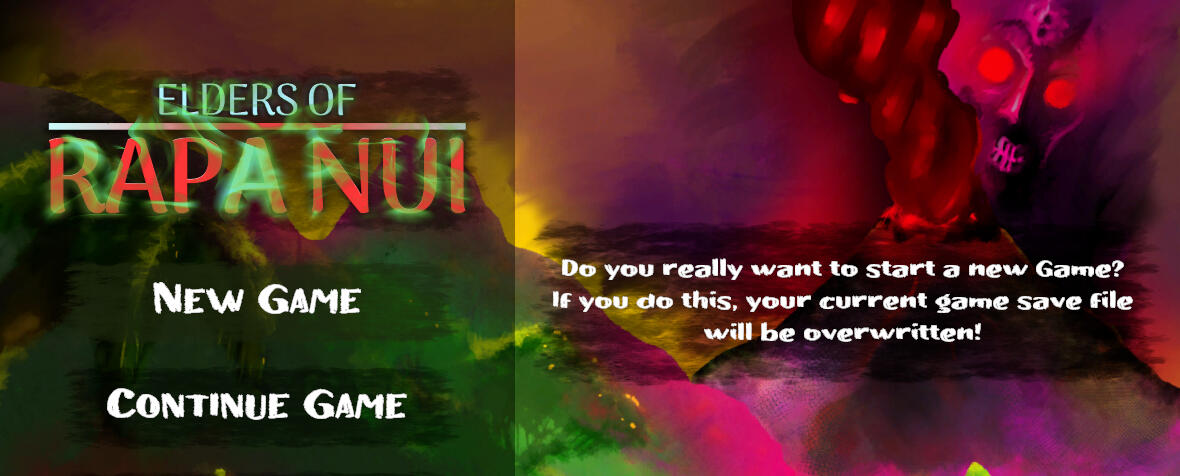
Save System
The Save System saves every information in an XML file and has numerous utilities to be easily used by other programmers.For example you can easily write new data right before actually saving the game by simply subscribing a function to the "UserFile.SaveGame.onSave" action.
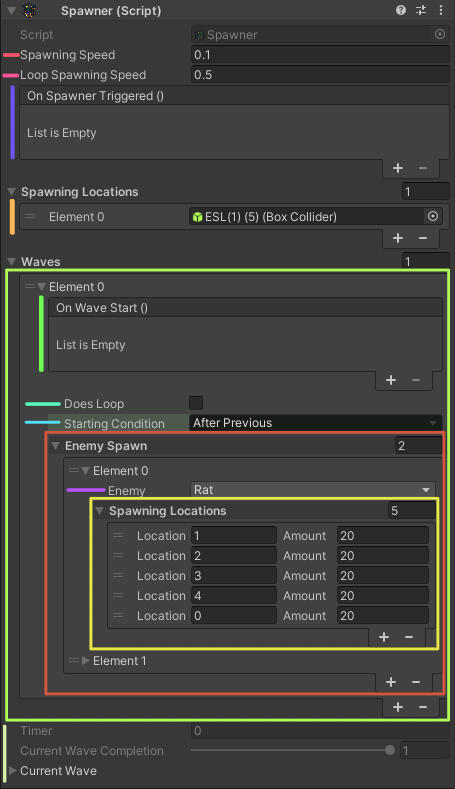
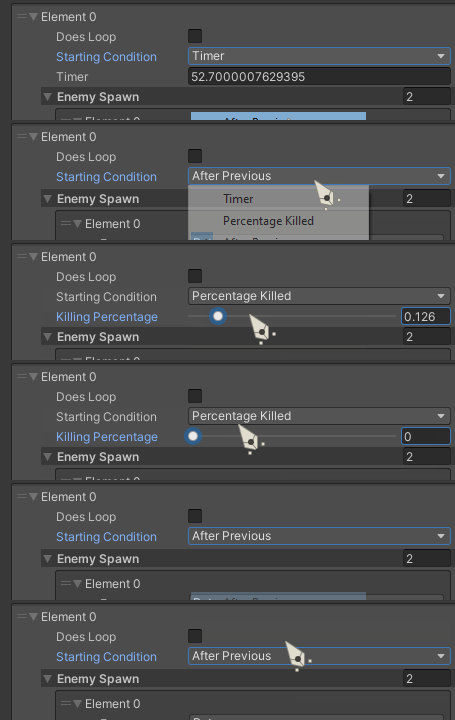
Enemy Spawner
I made a custom inspector for the rather complex spawner.A spawner can spawn multiple waves and the designers can define the types of enemies, their location and amount when spawning.
They can also define a condition for spawning the next wave.
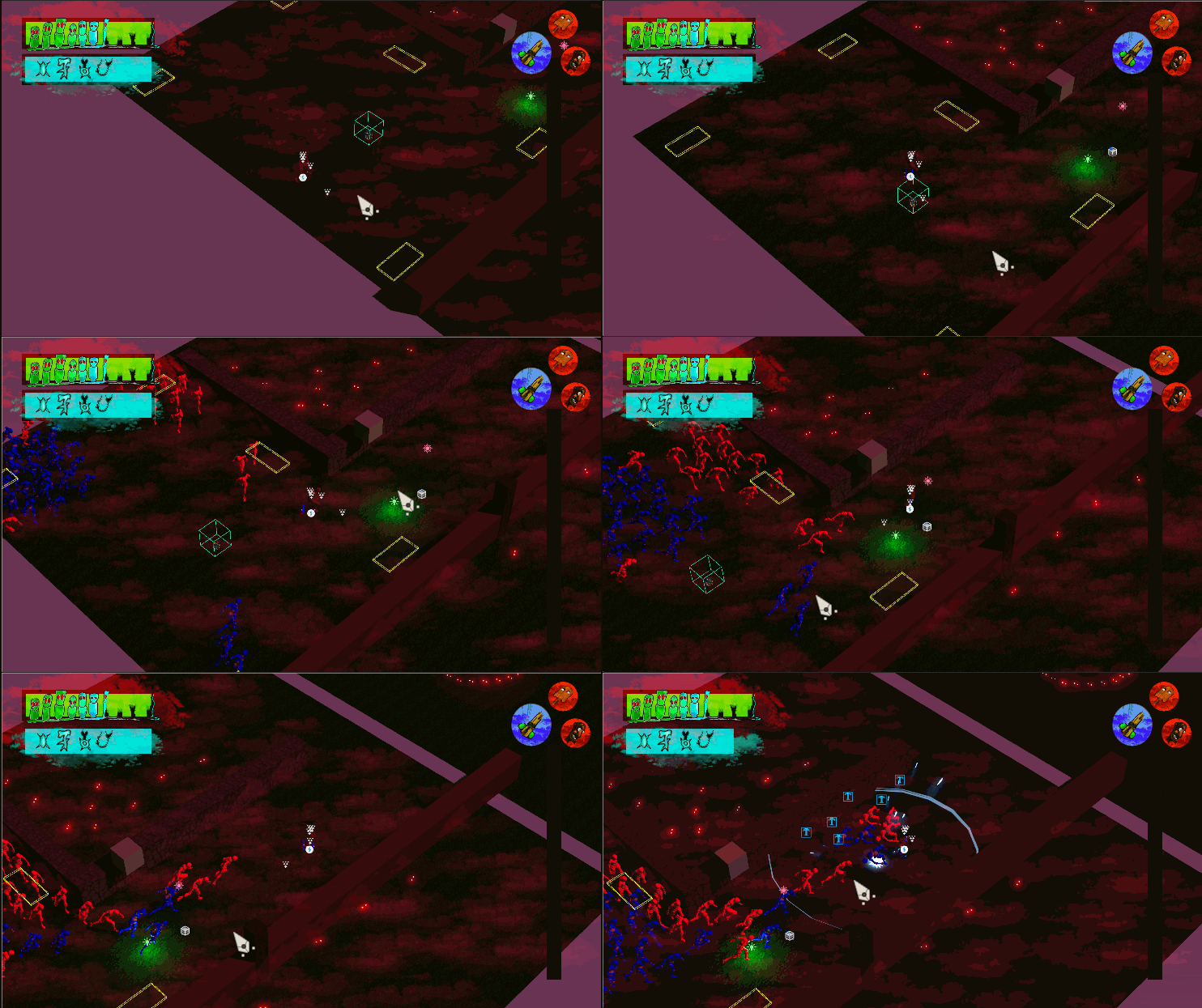
Outline Shader
(Custom Render Pipeline Feature)
I used a custom render pipeline feature from my last project to add object based screen space outlines.
The outline shader works by using
two different edge detection algorithms.
By using the depth buffer it is determining the outer outlines.
The inner oulines are made using a custom buffer,
which renders the gameObjects, marked with the "outline" layer, with their screenspace normals.In combination with a bloom post processing effect
I was able to achieve a glowing look for outlined objects.
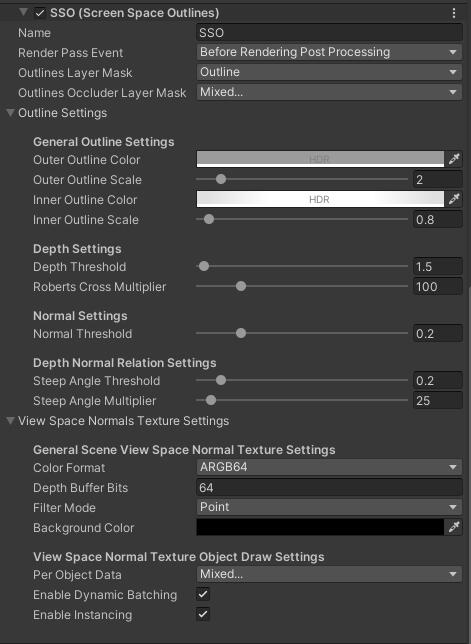
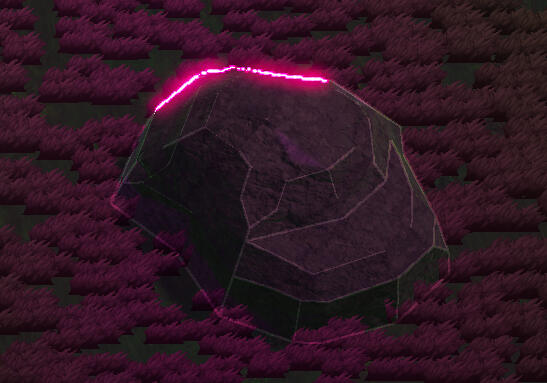
outer outlines
calculated with depth buffer (glowing pink)inner outlines
calculated with object normals(white)
special feature
outer & Inner outline
The outlines improve recognition of shapes and is a core element of our neon-hell art style.
Water Shader
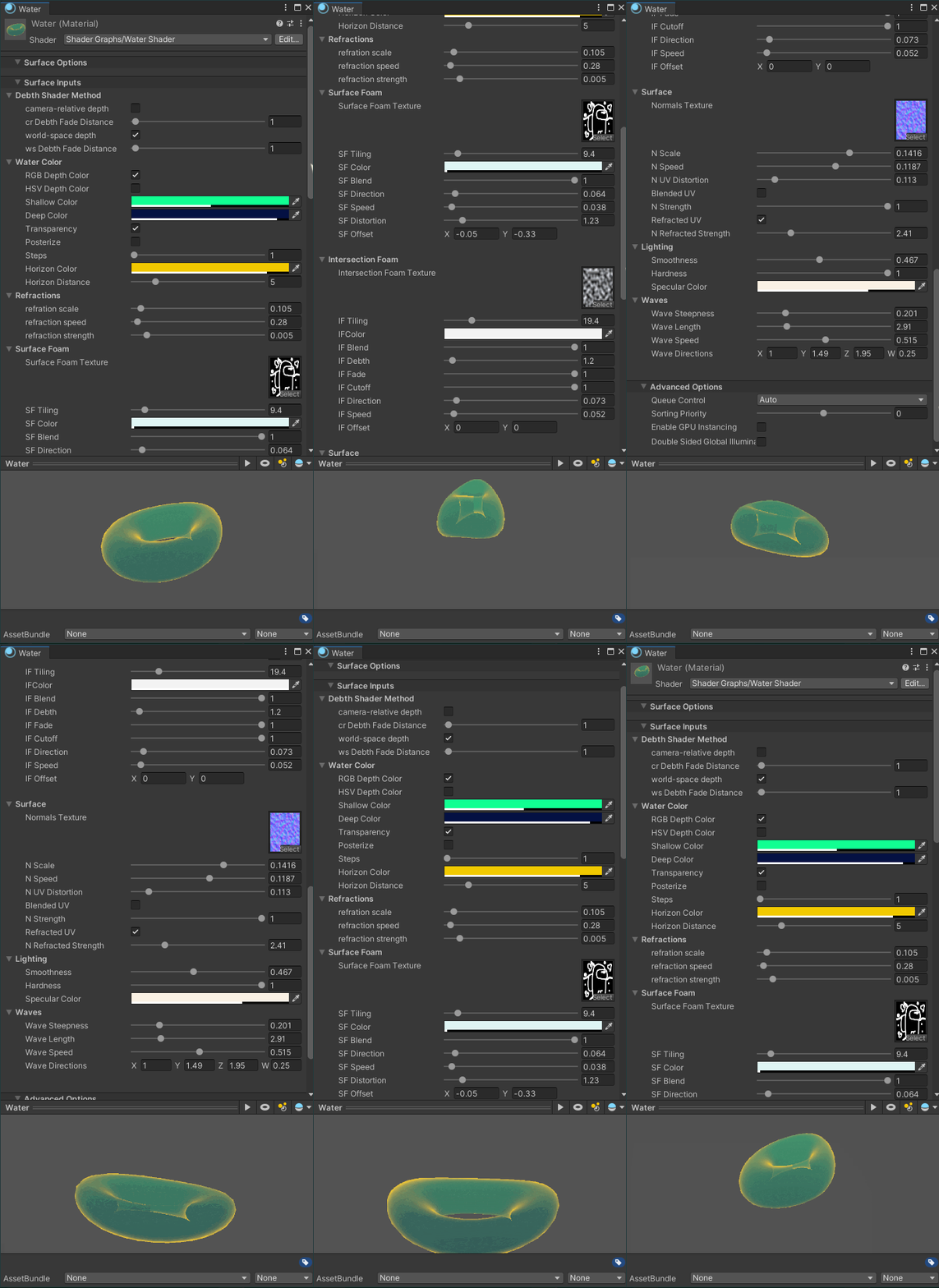
I was also able to reuse the water shader from my last project.This time I made the waves depending on world coordinates so we can place several water planes besides each other without any noticable cuts.
application example
water shader ingame